Seminar invitation
free, printable or animated.
A clear, professional seminar or conference invitation with the agenda, venue and online registration. Print the PDF for the welcome desk, send the animated version by email. 305 designs, creation and PDF free, printable at home or at any local print shop.
Free PDF, animated invitation and online replies · Print at home or at a local shop
Get my guests’ replies →A QR code on the back · attending, declining, adults, childrenFormat
The format of the printable invitation. The animated version and the video use the same proportions.
Your invitation unfolded
Page 1 is the outside; page 2 is the inside. The dotted lines are the folds. No panel stays blank: the date, venue and schedule (“The big day” step) and your RSVP QR code fill in automatically.
Page 1 · outside
Page 2 · inside
The design
305 seminar invitation designs, and each one already shows yours: tap to choose it. Fonts, colors and effects can be changed afterward.
Your photos and text, wherever you like
On the preview, drag a text (the title, the names, the date, or the message on the back) to move it. Use two fingers or the mouse wheel to resize it. Add your photos and arrange everything just the way you want.
On the preview, drag the photo to position it. Use two fingers (or the mouse wheel) to resize and rotate it.
Your photos stay on your device. They are only uploaded if you create the animated invitation.
Your logo and signature
Without a logo, your name is written on the back. Tip: drop an image onto the preview and it becomes your logo.
Where it goes on the invitation
Your photo stays on your device: the invitation is drawn right in your browser. It’s only sent to us if you create the animated invitation.
Your texts
The title
The QR code on the back
Guests scan the QR code on the paper invitation: the envelope opens, the invitation comes to life on their phone, and they reply with one tap. The QR code is created automatically when you create the animated invitation or download the PDF.
The big day and the replies
This info appears in the animated invitation, along with directions and “Add to my calendar.” Everything is optional.
Guest replies
Your guests scan the QR code on the back, or open the link: they see the animated invitation, then reply in 20 seconds (attending or not, adults, children, a little note). You follow everything on your private replies page.
Keep this link to yourself: it’s your only access to your replies, options and guest list.
Format and customizationFormat, fonts, colors, effect, music, voice, envelope and wax seal
Fonts and colors
Title font
Names font
Message font
Color for names and accents
Animation, sound and envelope
For the animated invitation and the video. The printable version keeps a still image.
Effect
Music tap to listen
“My music”: upload an MP3 of 8 MB maximum. Use royalty-free music or your own: you must have the right to share it.
Your voice message new
30 seconds maximum, recorded with your phone or computer microphone. Your voice starts playing when the card slides out of the envelope, and the music fades down while you speak.
Sound effects
Envelope
Wax seal
A link to send by email, WhatsApp or LinkedIn, with each guest’s name. Free.
Print your free PDF at home or at any local print shop.
Front and back at 300 dpi, with a small “Created free on paynelia.com” note.
Send it to your guests
Your invitation becomes an animated page: the envelope arrives, the seal pops, the invitation slides out to music, and then your guests RSVP. One link, or a personalized one for each guest, with their name on it.
Your sharing link
Editing your invitation? Just click again: the link stays the same and the invitation is updated.
A link with each guest’s name
Send it by e-mail to all your guests too, and see who has opened it. 25 free e-mails ↓
For LinkedIn, WhatsApp and your social networks
The envelope, the seal, the animation, the message and the music, as an MP4 that plays on iPhone and on any recent computer.
The video is free, with a small “Created free on paynelia.com” note. Without the note: Sharing Pack €4.99 excl. VAT, for the video in all three formats and for the animated invitation your guests receive.
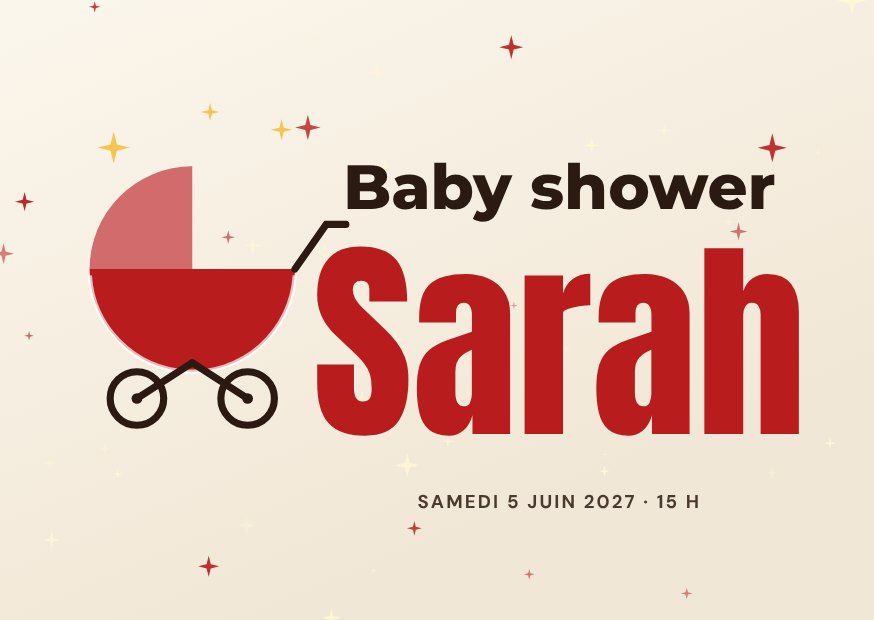
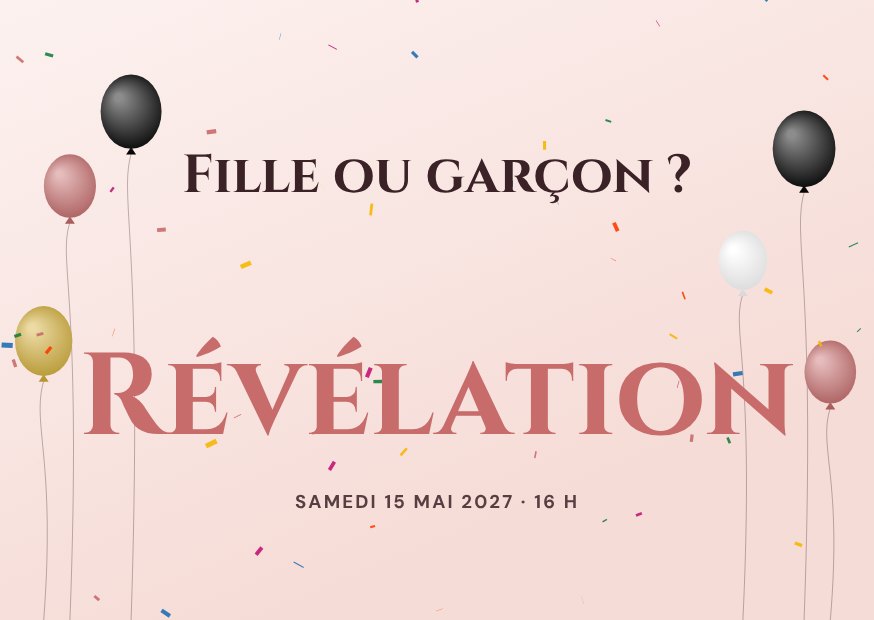
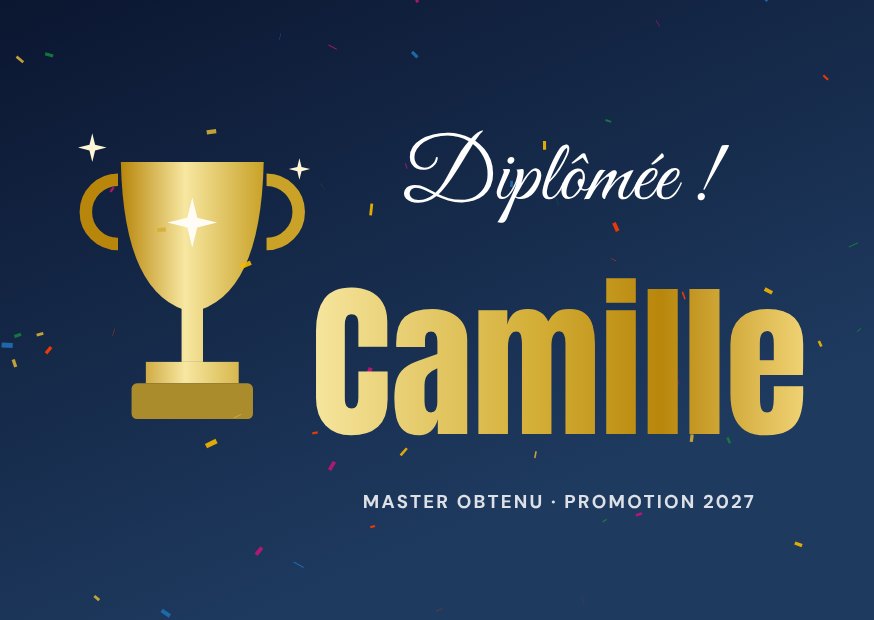
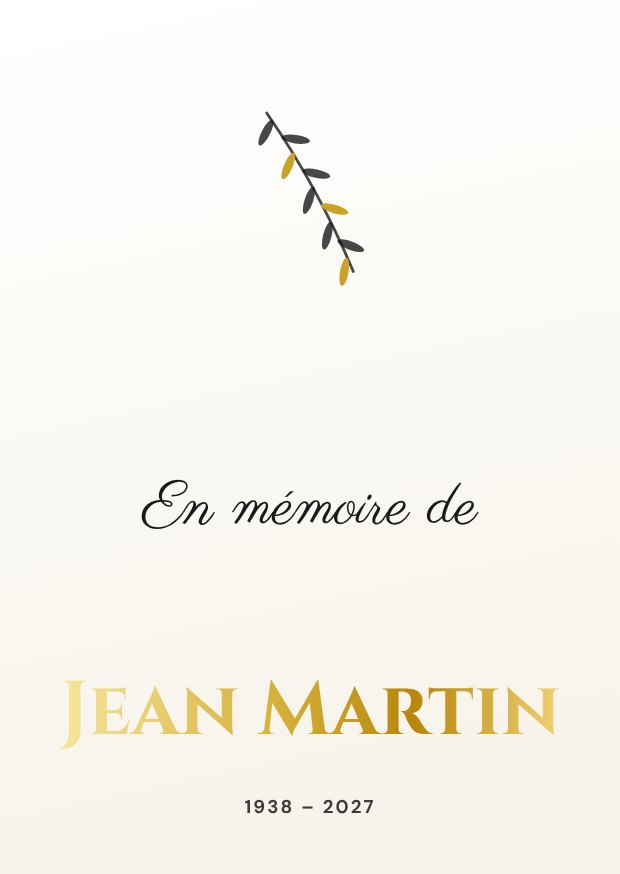
A few seminar invitation designs
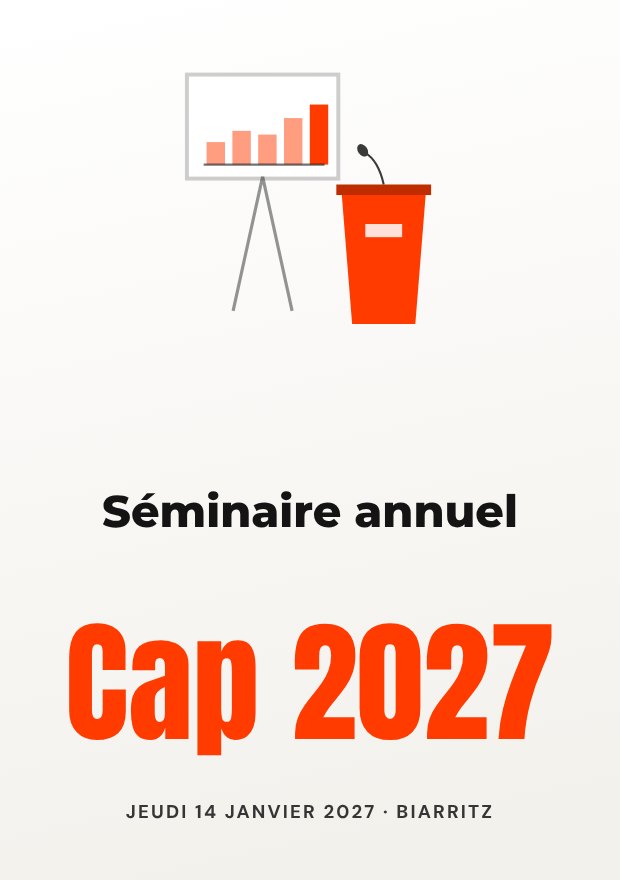
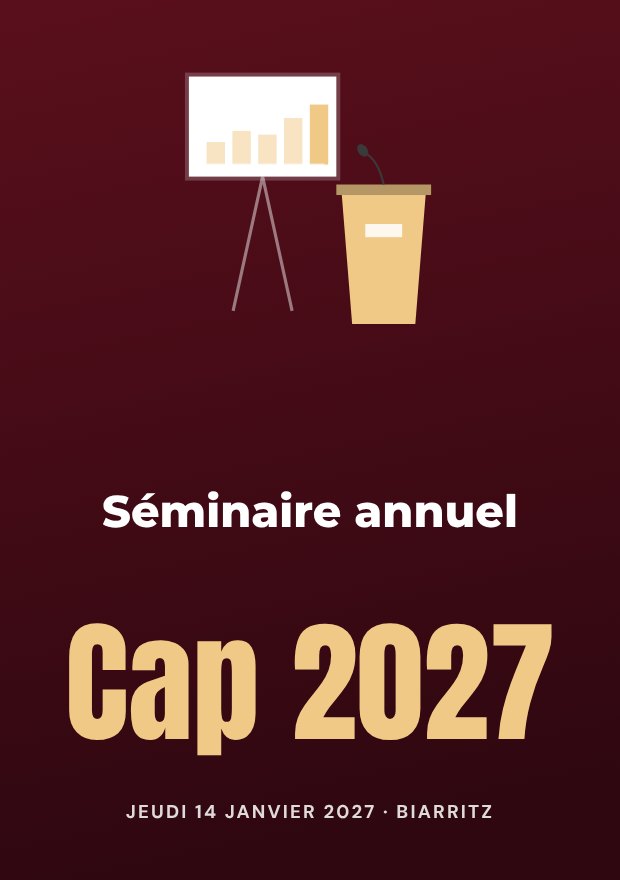
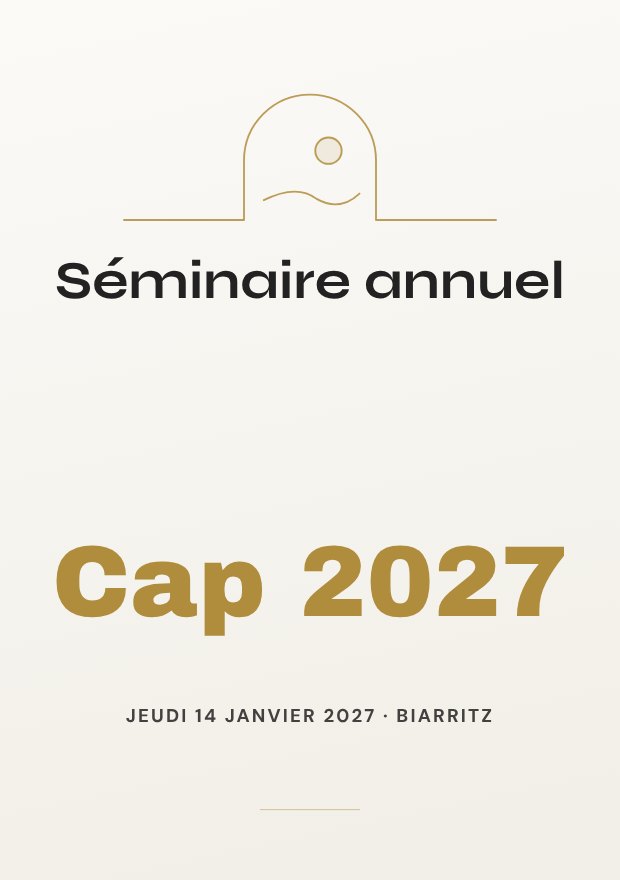
Tap a design to personalize it: photo, names, date, venue. All the others are in the maker above.


A free seminar invitation, printable and animated
A clear, professional seminar or conference invitation with the agenda, the venue and online registration. Print the free PDF for the welcome desk, and send the animated version by email.
What should a seminar invitation include?
Put the agenda in the link rather than on the card. Send the invitation a month ahead and ask about dietary restrictions in the reply.
Printable, and animated on the phone
The same invitation comes as a free PDF that you can print at home or at any local print shop, on the paper of your choice. Add a QR code to the printed card and it opens the animated version: the envelope with the guest’s name, the wax seal, the music, then the “RSVP” button. For guests who live far away, send the link directly by WhatsApp or e-mail.
Frequently asked questions
Yes: the maker, all 305 designs, the high-definition PDF you can print at home or at any local print shop, the animated invitation with its link, personalized guest links and the replies page are all free, with no sign-up required.
Folded A6 or A5 invitation (4 pages), 3-panel accordion fold (9.9 × 21 cm closed), A6 portrait or landscape (10.5 × 14.8 cm), A5 portrait or landscape (14.8 × 21 cm), square (14.8 × 14.8 cm) and long DL (9.9 × 21 cm), in portrait or landscape. The animated version keeps the same proportions.
They scan the QR code on the back of the invitation, or open the link they received by WhatsApp or e-mail. The invitation animates, then an “RSVP” button appears: their name, attending or not, the number of adults and children, and a short message. You see all the replies on your private page, with totals and a spreadsheet export.
Yes, full-page or inside a frame, with your text on top. It stays on your device until you create the animated invitation.
To your colleagues, clients or attendees. Each guest can have a personal link: their name appears on the envelope and in the reply form.
Other invitations