Free HTML email signature,
clean code
Paste your website address: we pick up your logo, colors and contact details. Copy the signature, or download the HTML file built with tables and inline styles, the code that mail apps read the same way.
No website?
- Gmail, Outlook, Apple Mail
- Round photo and logo
- Clickable social links
- Readable in dark mode
Best regards,
The preview above is watermarked. After payment, your animated signature is waiting in My signatures, without the watermark, ready to copy. Price per person excluding VAT, the same rate for the whole team. One-time payment by card, invoice sent by email. Outlook on Windows only shows the first frame of a GIF: it always shows the full signature. Available in the European Union and the United States.
Install it in 30 seconds
- Click "Copy my signature".
- Gmail → gear icon → See all settings → General tab → Signature → Create new.
- Paste (Ctrl+V or ⌘V) into the box, then select it for new emails and replies.
- At the very bottom: Save changes.
- Click "Copy my signature".
- Outlook → File → Options → Mail → Signatures (new Outlook: Settings → Accounts → Signatures).
- New → give it a name → paste into the box.
- Set it as the default for new messages and replies, then OK.
- Click "Copy my signature".
- Outlook.com or Microsoft 365 → gear icon → Accounts → Signatures.
- New signature → paste → Save, then set your default signatures.
- Download the HTML, open it in Safari, select all (⌘A) and copy (⌘C).
- Mail → Settings → Signatures → "+".
- Untick "Always match my default message font", then paste into the right-hand box.
- Tap "📱 On my phone" and scan the QR code with your iPhone (or open this page on the iPhone), then "Copy my signature".
- Settings → Apps → Mail → Signature → paste.
- If the formatting disappears: shake the iPhone and tap Undo "Change Attributes".
- Tap "📱 On my phone" and scan the QR code with your phone, then "Copy my signature".
- Outlook app → tap your profile picture at the top left → gear icon ⚙ → Signature.
- Delete "Get Outlook for iOS", long-press in the box → Paste, then go back.
A signature that reads, clicks and shows everywhere
Many signatures are one big image. Nice in the tool that made it, much less so in your clients' inboxes.
Your number can be called with one tap on mobile, your email and website open, your social links too. An image leads nowhere.
Outlook and many companies block images by default: your contact details in text stay visible even without them.
Text, tables and light hosted images: no stray attachment, no blur, and it reads well in dark mode.
Use your HTML signature
Create it
Build your signature in the studio above: logo, photo, colors, social links, button.
Copy or download
Tap "Copy my signature" to paste it into Gmail, Outlook or Apple Mail, or download the HTML file.
Thunderbird
Account Settings, your account, Signature text: tick "Use HTML" and paste the code, or tick "Attach the signature from a file instead" and choose the HTML file.
Other tools
Most mail apps, CRMs and help desks with an HTML signature field accept the downloaded code as it is.
Create your free email signature in 3 steps
Paste your website address
The generator picks up your logo, colors, phone number, email and social networks. No website? Fill everything in by hand.
Add your photo, pick a template
Drop in your photo, choose from 6 templates and 5 backgrounds, hide a block or add a promo, your opening hours, your Google rating: the preview follows live.
Copy, paste, done
One click to copy, then paste into Gmail, Outlook or Apple Mail and set it as your default. Images are hosted: no attachment, no blur.
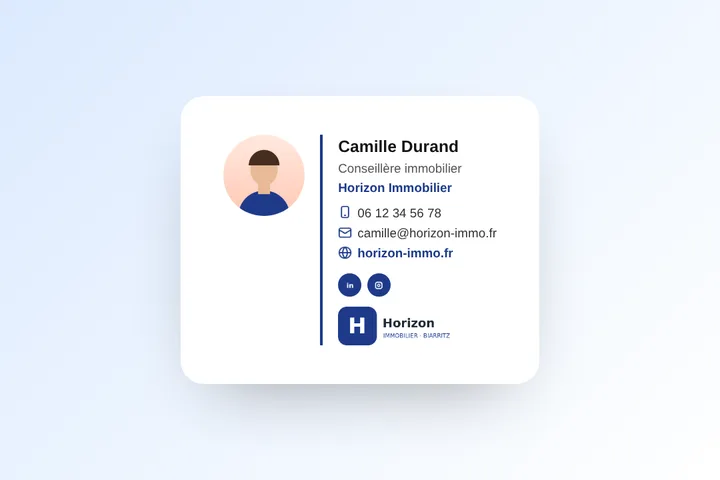
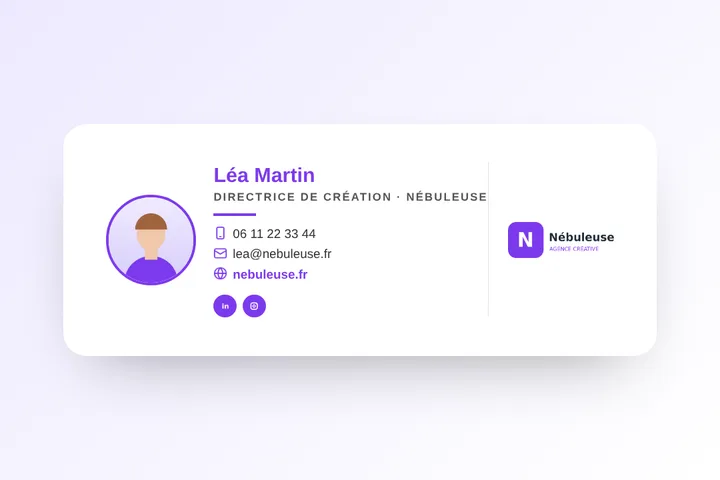
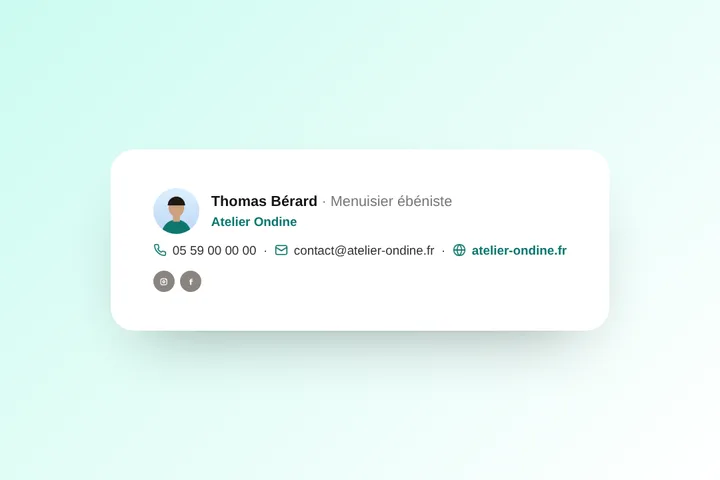
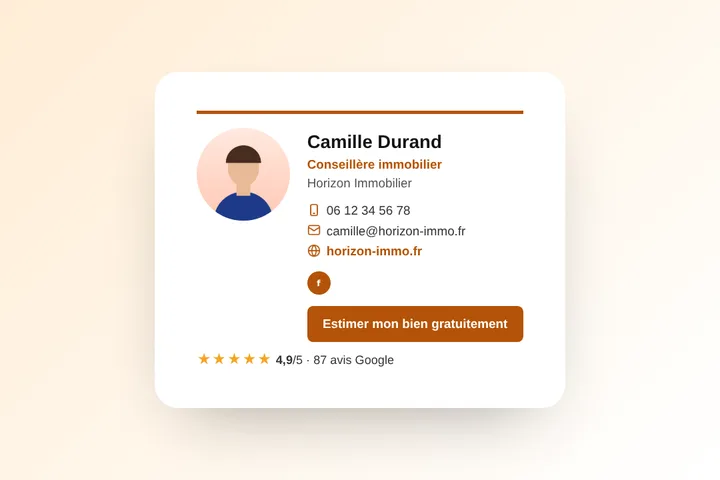
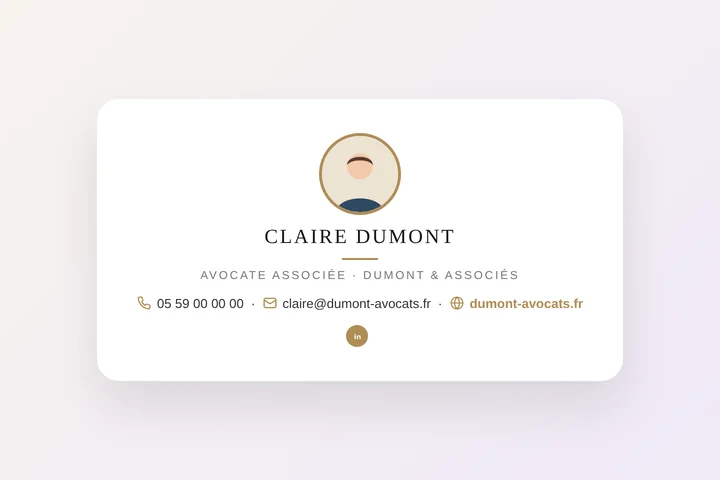
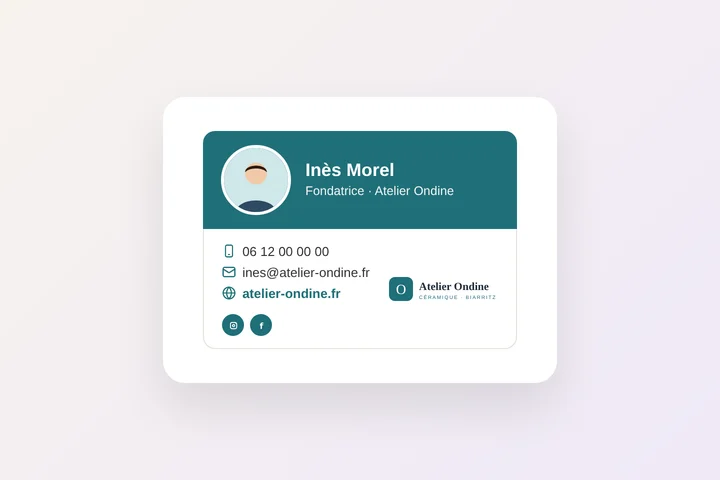
6 professional email signature templates
Each template takes your colors, logo and photo. All of them are built with HTML tables, the only method that Gmail, Outlook and Apple Mail read the same way.
What's free with or without an account
| Without an account | With a free account |
|---|---|
| Full signature: logo, photo, colors, social links, button, 6 templates, 5 backgrounds, copy and HTML download | No Paynelia line, saved signatures you can edit, unlimited |
| "Signature made with Paynelia" line | Promo with an end date, "Add to my contacts", click tracking |
Updated November 4, 2026.
Free email signature: your questions
Why use tables in an HTML email signature?
Mail apps, especially Outlook on Windows, ignore many modern web layouts. Tables with inline styles are the method read the same way by Gmail, Outlook, Apple Mail and Thunderbird.
Are the images inside the HTML file?
No, they are linked: your logo and photo are hosted by Paynelia, so the file stays light and the images show for everyone you write to.
Can I edit the HTML code?
Yes, the code is clean and readable. The simplest is to edit your signature in the studio and download it again.
Is the email signature generator really free?
Yes. Creating, copying and installing your signature is free, with no limit and no account: photo, logo, colors, social networks and button included. With a free Paynelia account (30 seconds), you can also remove the "Signature made with Paynelia" line and save your signatures to edit them later.
Does it work with Gmail, Outlook and Apple Mail?
Yes. The signature is built with HTML tables and inline styles, the only method read correctly by Gmail, Outlook (Windows, Mac, web), Apple Mail, Thunderbird and mobile mail apps. Installation steps for each mail app are shown right under the preview.
Why not make the signature a single image?
An image signature is not clickable (no phone, email or website link), it is often blocked by default and turned into an attachment, it looks blurry on mobile and screen readers cannot read it. A signature made of text and tables stays sharp, readable and clickable everywhere.
Where are my logo and photo stored?
On Paynelia servers in France, as optimized PNG files, so they show for everyone you write to. The files have random names and are not linked to any email address.
What does the website scan collect?
Only public information from your home page: the displayed name, the logo, the colors, the phone number, the contact email and the links to your social networks. You check and correct everything before copying.
Can I remove the "Signature made with Paynelia" line?
Yes: create your free Paynelia account (30 seconds, no credit card) and untick the box. If you keep it, thank you: it is what keeps the tool free.
How do I add a signature in Outlook?
Copy your signature, then in Outlook: File, Options, Mail, Signatures (new Outlook or Outlook on the web: gear icon, Accounts, Signatures). Create a new one, paste it, then set it as the default for new messages and replies.
How do I add my signature in Gmail?
In Gmail, click the gear icon, See all settings, General tab, Signature, Create new: paste your signature. Then pick it under "Signature defaults" for new emails and replies, and click Save changes at the bottom of the page.
Can I put my photo in my email signature?
Yes. Drop your photo into the studio: it is cropped into a circle and hosted by Paynelia so it shows for everyone you write to, with no attachment.
Does my signature stay readable in dark mode?
Yes. The studio has a dark mode preview and five backgrounds, including a dark one. Use a logo with a light or transparent background so it stays visible.
How many signatures can I create?
As many as you like, for free: one per email address, per business or per colleague. With a free account, they are all saved and can be edited.
How do I add my signature in Outlook on iPhone or Android?
The Outlook mobile app has its own setting. Tap "On my phone" in the studio and scan the QR code: the signature opens on your phone, ready to copy. Then in Outlook: profile picture, gear icon, Signature, and paste.