Free QR code › Business card
vCard QR code · free for life
Your contact details in one scan.
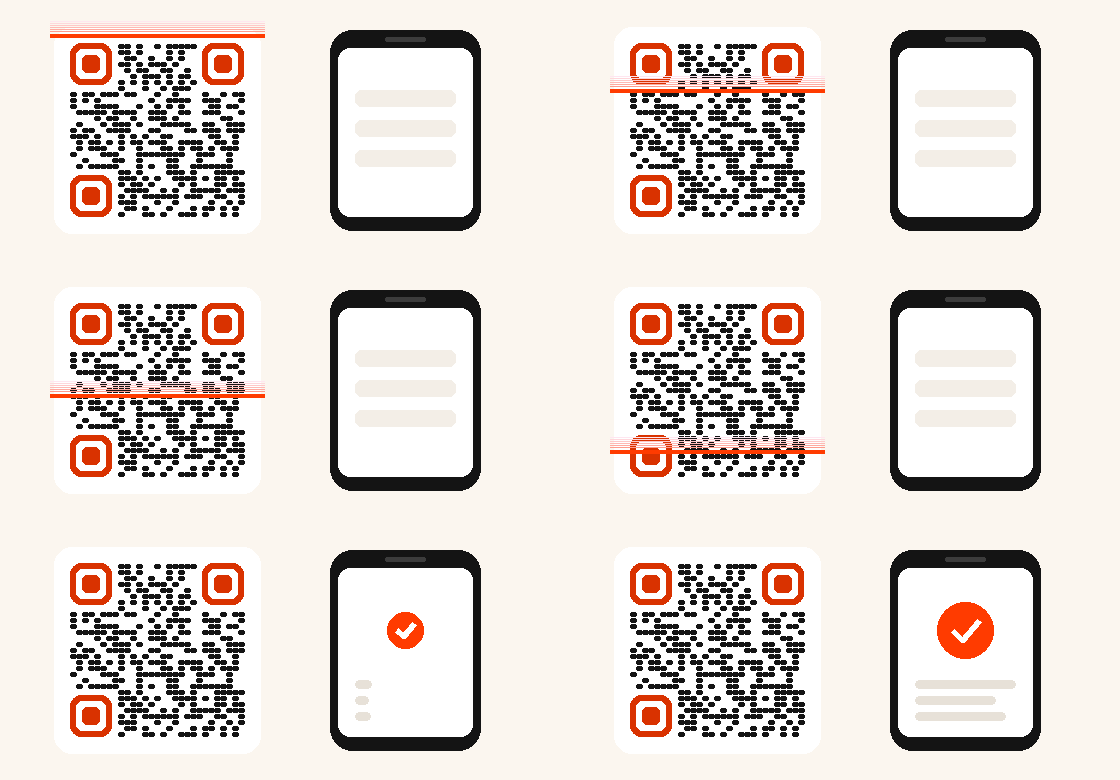
Name, company, phone, email, website, address: when scanned, a clear page offers to save your contact in the phone. Free for life, it never expires.
- No expiry
- Unlimited scans
- Unlimited edits
- Never deactivated
- Scan statistics included
- CMYK PDF for your printer
Step 1
What should your QR do?
Free for life
Step 2
Step 3
The look
vCard QR code · free for life
How it works
Better than typing a number
The person scans and taps "Save contact": your details go straight into their phone, without typos.
Always up to date
New number or new job? Update your card from your management link: the printed QR shows the new details.
Where to place it
On your business card, email signature, badge, trade show stand or the back of a flyer.
Already have a QR?
Find my QR codes
Enter the email you used: you receive the links to edit each of your QR codes.
A free QR code for every use
Other free QR codes
Paynelia, for businesses
Other free tools
FAQ
Everything you need to know
Does it work with all phones?
Yes, the contact is downloaded as a standard vCard file, read by iPhone and Android.
Can I change my details after printing?
Yes, as often as you like. The printed QR does not change.
Is it free?
Yes, for life, with no sign-up: just an email address to manage your QR.