Free QR code › Google reviews
Google review QR code · free
A QR code for your Google reviews.
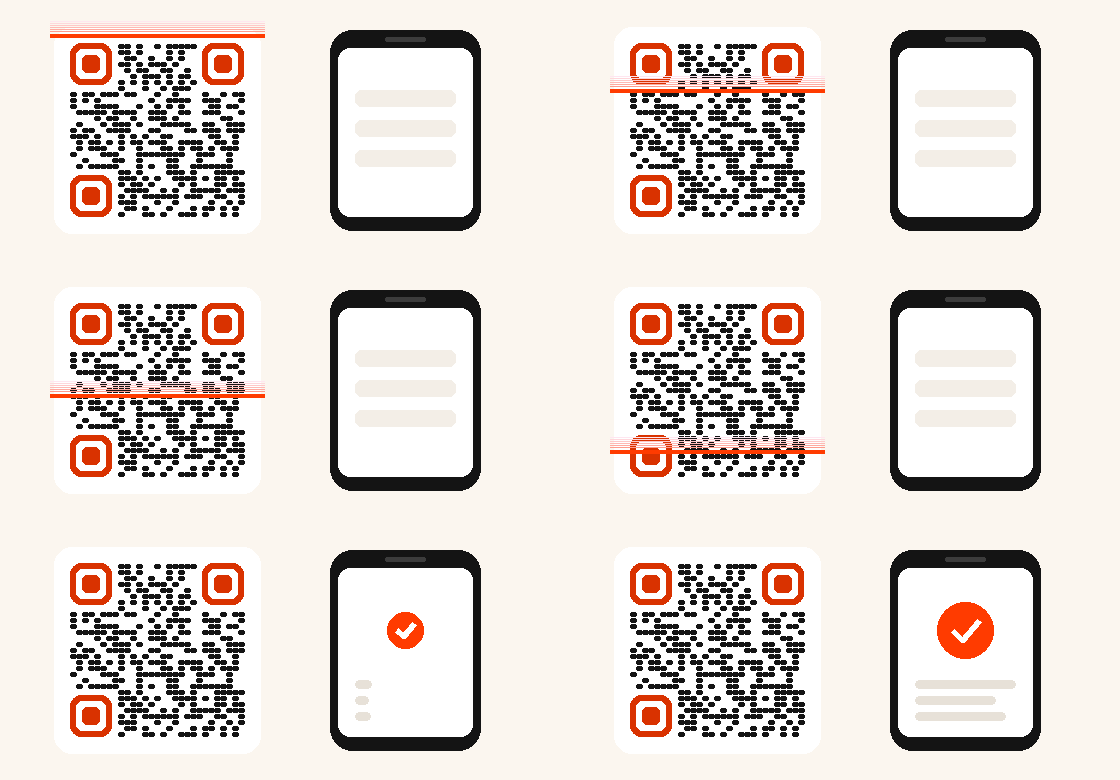
Paste the "Ask for reviews" link of your Google Business Profile: when scanned, the window to write a review opens right away. Free for life, it never expires.
- No expiry
- Unlimited scans
- Unlimited edits
- Never deactivated
- Scan statistics included
- CMYK PDF for your printer
Step 1
What should your QR do?
Free for life
Step 2
Step 3
The look
Google review QR code · free
How it works
Where to find your Google review link
In your Google Business Profile, choose "Ask for reviews" and copy the link (it often starts with g.page). Paste it here.
Why it works
The fewer the steps, the more happy customers leave a review. Here they scan and the review window is already open.
Where to place it
On the counter, the table, the bill, the receipt, a window sticker or the card you hand over at the end of a job.
Already have a QR?
Find my QR codes
Enter the email you used: you receive the links to edit each of your QR codes.
A free QR code for every use
Other free QR codes
Paynelia, for businesses
Other free tools
FAQ
Everything you need to know
Does the QR really open the review window?
Yes, if your link is a Google link (g.page, google.com, maps.app.goo.gl). Otherwise, a Paynelia screen shows a "Write my review" button.
Can I switch to another profile later?
Yes, change the link from your management page, the printed QR stays the same.
Does it follow Google rules?
The QR only opens the review window: it does not filter reviews and offers nothing in exchange, which Google forbids.